

Truck accident digital evidence can include dashcam recordings, driver logs, scene photographs, and vehicle data. AI-assisted reporting tools can organize some of that information into a convenient summary. However, saving a polished report is not the same as preserving the records behind it.
For drivers, passengers, and fleet teams, the practical goal is straightforward: protect original files, document where they came from, and keep interpretations separate from observations. Address injuries and immediate danger first. Never delay emergency assistance to retrieve a camera or download footage.
Why AI-Assisted Accident Reports Matter in 2026
On January 8, 2026, Motive introduced its AI Dashcam Plus. Separately, its automated collision-reporting documentation describes summaries generated after AI detection and review by its safety team. Reports can include vehicle data, location, timestamps, and available video screenshots.
These are examples of a specific provider’s tools, not features guaranteed on every truck. Treat an automated summary as an organizational aid, not a replacement for original recordings or an official police report. Ask which source records support each entry and whether anything relevant was unavailable.
Start by asking what the report actually contains. Is a pictured frame linked to a full video? Does a speed entry come from a vehicle sensor or another source? Who checked the event? Note unanswered questions instead of filling gaps with guesses. Save the report’s export date and any later revisions so different versions do not become confused.
Separate Video, Driver Logs, and Vehicle Data
Different systems answer different questions. Video can show a camera’s view; photographs capture individual moments; vehicle systems may supply operating data. An electronic logging device, or ELD, primarily supports hours-of-service records rather than providing a complete collision reconstruction.
An ELD Is Not a Complete Crash Recorder
The Federal Motor Carrier Safety Administration’s ELD guidance explains that required data include time, approximate location, engine hours, and mileage. ELDs are not required to collect speed, braking, or steering information. A combined fleet platform may provide additional data, but do not assume every ELD does.
When reviewing truck accident digital evidence, label each source accurately. Keep the original video, any exported vehicle records, photographs, and the automated summary as separate items. This makes it easier to identify what was recorded directly and what was later calculated or summarized.

Preserve Original Dashcam Footage Before Editing
Save the Recording, Not Just a Screenshot
Once safe, follow the camera manufacturer’s instructions to protect relevant footage. For example, Garmin’s trucking-camera manual explains that the device deletes the oldest unsaved video when its memory card fills. Exact behavior depends on the device and settings; there is no single overwrite schedule to assume.
Preserve the available lead-up, collision, and aftermath rather than only an automatically selected event clip. Keep associated files and the original filenames. Do not format a memory card, reset the camera, or attempt repairs on damaged equipment. Ask the provider or a qualified examiner for help.
Keep Enhanced Copies Separate From Originals
A clearer-looking export is not necessarily a better-preserved record. NIST’s work on digital video exchange identifies image degradation and metadata loss as risks of video conversion. Metadata means information associated with a file, such as timing or recording details.
Keep an untouched source copy before cropping, converting, adding captions, or using AI enhancement. Label any edited version as a derivative and document what changed. A screenshot may help illustrate a point, but it should not become the only saved version of the recording.
For example, an annotated screenshot can help explain where a vehicle appeared, while the full recording preserves the surrounding sequence. Keep both, but identify the screenshot as an illustration taken from the video. Do not use a generated reconstruction to fill missing footage or present imagined details as recorded facts. Any explanatory image should remain clearly separate from the source evidence.
Check Timestamps Before Building a Timeline
A time difference does not automatically mean a file is inaccurate or altered. Check the time zone and recording system first. For example, Motive’s video-retrieval instructions state that its relevant dashcam files use Coordinated Universal Time, or UTC.
Write down the reported local incident time, its time zone, the displayed recording time, and any known clock discrepancy. Do not change source timestamps to make files match. Put proposed corrections in a separate timeline and explain the basis for each adjustment.
For your own working notes, distinguish the time something happened from the time a file was downloaded or a report was generated. Those are different events, even when a folder or application displays them together.
Keep a Record of Where Files Came From
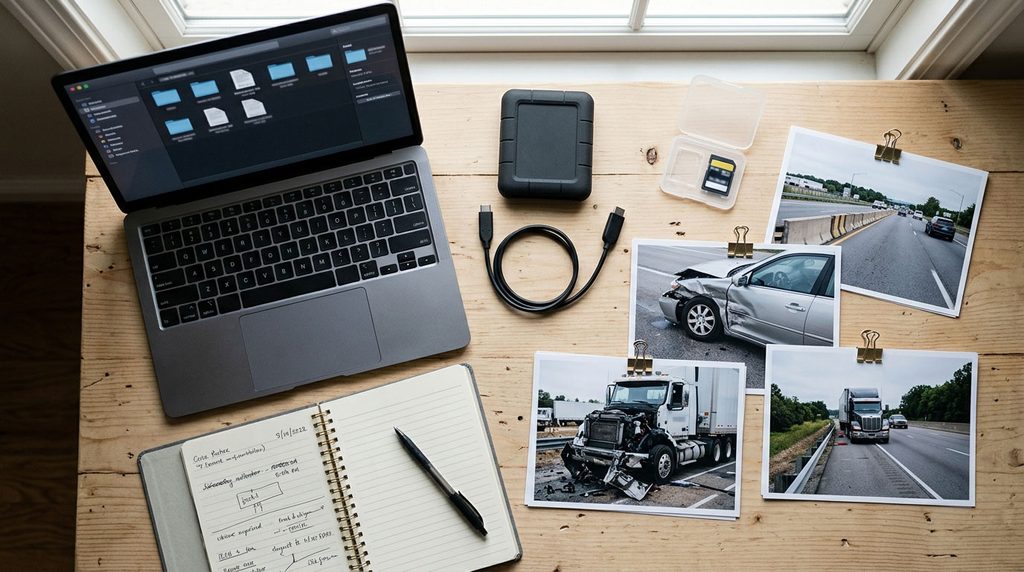
Use a simple tracking log for truck accident digital evidence. Record the filename, source device or provider, person supplying it, date received, and people given copies. Store an untouched copy securely and use a separate working copy for review.
The Scientific Working Group on Digital Evidence’s video-analysis guidance, version 2.0, recommends working copies and documenting processing so results can be independently evaluated. A personal tracking log supports organization; it does not replace professional evidence handling when that is needed.
Save automated reports and relevant communications alongside their supporting records. Use your insurer’s or professional representative’s secure transfer method instead of making sensitive files publicly accessible. Do not discard relevant material because it seems unfavorable or conflicts with your initial recollection.
Do Not Confuse ELD Retention With Video Retention
FMCSA’s retention guidance requires carriers to retain ELD duty-status data and supporting documents for six months, with a separate backup of ELD records. That requirement does not establish a universal six-month retention period for dashcam video.
Promptly identify who controls relevant footage and ask how it can be preserved. Include the date, approximate time, time zone, location, and vehicle details. A preservation request is not permission to access someone else’s account or equipment. Ask a qualified attorney about obtaining third-party records when necessary.
To make your own records easier to navigate, create folders for original files, working copies, reports, and correspondence. Add a short index describing each item without renaming the source files. Note missing records as missing rather than assuming they never existed. When you send material through an approved channel, record what you sent and keep any confirmation of receipt.
Keep Ordinary Accident Documentation Too
Technology should supplement basic records. The NAIC’s auto-claim guidance recommends collecting witness details, vehicle information, the report number, and scene information. Keep your own observations separate from conclusions suggested by software.
Explore our Accident Documentation guides and After an Accident resources for related topics. The goal is not the most impressive report: it is an organized set of original records that can be checked and understood.
Truck Accident Guide provides general educational information, not personalized legal, medical, or insurance advice. Consult an appropriately qualified professional about your specific circumstances. If someone is injured or in immediate danger, call 911.